Warhammer 40k: Rogue Trader on Switch 2 — Big Ambition, Big Bugs
I love what Owlcat built, the Rogue Trader systems, the ship management, crew choices, and grimdark writing, still delivering that warm, heretical glow. On good runs the pacing and narrative beats feel as deep as on PC, and I found myself sucked into the micro-crimes and macro-diplomacy that make a CRPG sing.
But the Switch 2 release day rubbed a rough edge into that polish, gosh I had crashes, save issues, and controller/input oddities that are widespread enough to matter for anyone planning long sessions. Lets dig into what I saw, what the community is reporting, and how to fix it.
What’s actually going wrong with Warhammer 40K
Frequent crashes after certain actions
So the game crashes at predictable moments, after character creation, during scene transitions, and when opening certain inventories. I experienced a hard crash at the end of a ship combat sequence that wiped a few minutes of progress.
Soft-locks and 100% loading hangups
Long hangs (100% loading screens that never finish) and soft-locks that force a restart. Owlcat has released hotfixes and large patches in the past to address similar issues on other platforms, showing they can act quickly, but the problem still appears sporadically for me and some users out there.
Inventory and UI crashes tied to gear/equipment
A common crash pattern is opening a specific character’s inventory (often when a particular weapon or mod is equipped) this causes immediate crashes. I hit that exact bug on my first playthrough and I think it could be related to certain items that trigger the fault.
Input lag & controller hiccups on Switch 2 hardware
I noticed input lag or delayed responses on Joy-Con style controllers in certain ports, which can magnify frustration in menus and during tactical encounters. Anecdotally I noticed a half-second “float” on some UI inputs when docked that vanished when I switched to a Pro-style controller. This seems tied to V-Sync/frame handling on the console and is showing up across multiple game ports.

What I tried and what helped me survive
- Use a Switch 2 Pro controller where possible the input felt tighter and I avoided the tiny lag that showed up with Joy-Con style inputs.
- Save frequently autosaves are not omnipotent; I manually saved before cutscenes and major inventory edits.
- Avoid known-problem items – community threads flagged a few weapons/mods that trigger inventory crashes; unequipping them until a patch lands helped
Patch immediately — install every update as soon as it appears; Owlcat has already pushed hotfixes addressing many common crash paths.
What I would like to see next with Warhammer 40K
These are fixes that would actually move the needle for players like me:
Crash-safe saves & rollback recovery
Make an auto-backup save slot before any risky operation (inventory edits, DLC content, ship upgrades). If the game crashes, auto-restore to the pre-operation snapshot so players don’t lose progress.
Patch the inventory serialization bug
Root cause looks like bad item serialization when specific weapon mods or attachments are present. A safe-guard in the inventory loader to skip/neutralize malformed item data would prevent hard crashes.
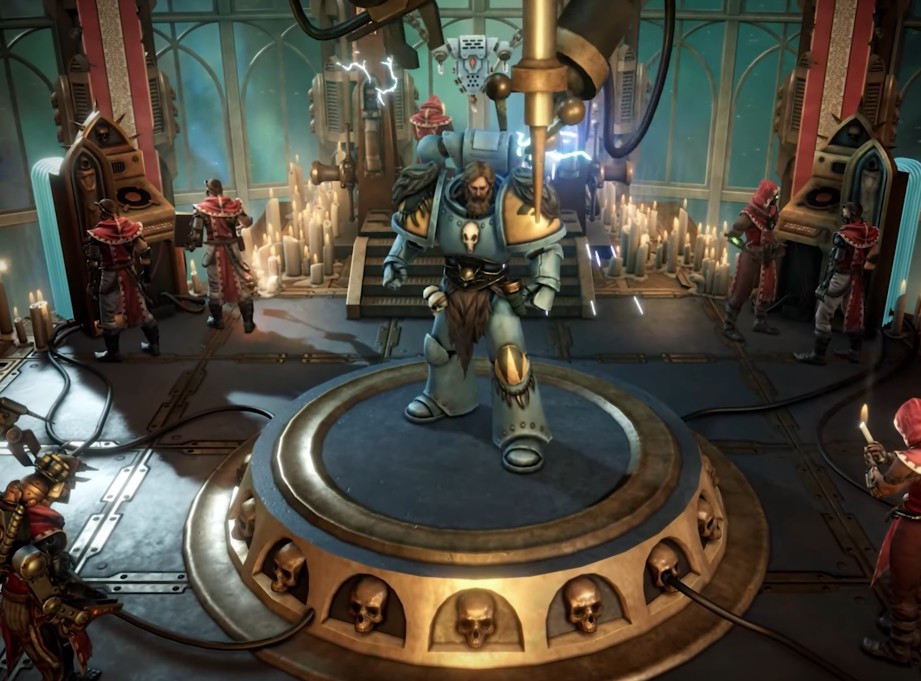
Input latency options
Expose a toggle for “V-Sync/Frame Limiter vs Low Latency Mode” and a controller dead zone/profile menu. This lets Switch 2 players choose responsiveness over image smoothing. Community reports suggest V-Sync handling on the dock causes perceived input float.
Loading & streaming stability
Add a “soft loader” that logs corrupt scene assets and skips problematic streaming assets with a user message (rather than hanging at 100%). That gives the studio actionable crash telemetry and prevents endless loading screens.
Hotfix rollout transparency & small staged patches
Ship targeted micro-patches for high-impact bugs (inventory crash, character creation crash) first; stagger the rest. Communicate ETA and put “known issues” in the title screen. Players appreciate transparency.
Check out the the official trailer from Nintendo below for a quick insight into the port.
If you enjoy strategy games that juggle massive systems, long-term planning, and the pressure of leadership, you might also like my breakdown of Anno 117: Pax Romana — Building Rome, One Province at a Time.
For official updates, news, and detailed information, visit Warhammer 40,000: Rogue Trader game’s official website
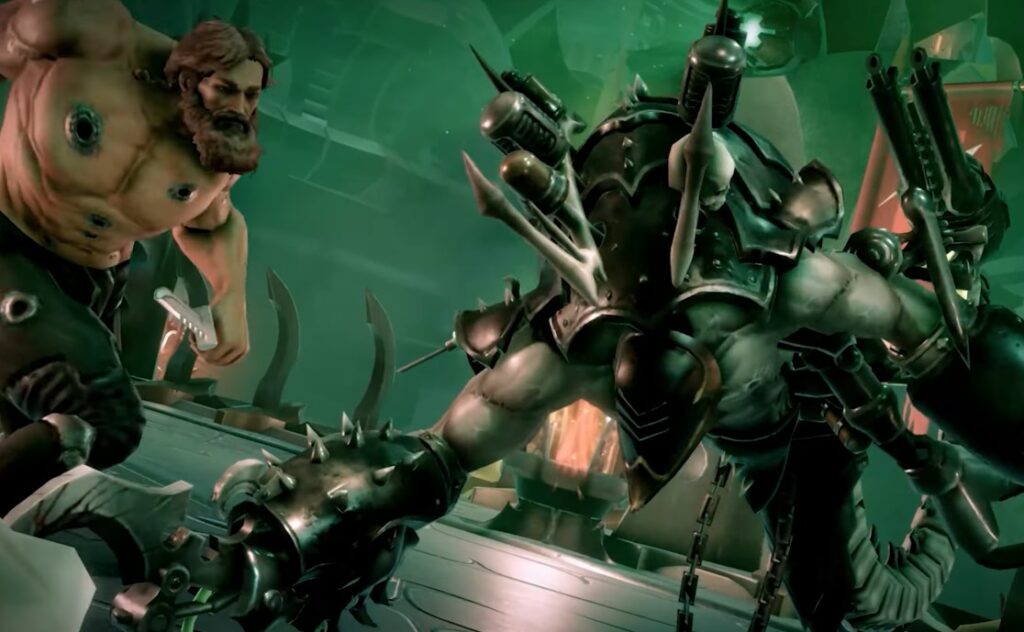
So, how melty is it?
First Warp Jump — 8/10
Rogue Trader’s writing, ship design, and crew RP hooked me, perfect CRPG vibes on Switch 2 handheld.
Inventory Roulette — 8.5/10
Open the wrong inventory, and you can wipe minutes of progress. It turns careful planning into a nervous ritual.
Load Screen Stare — 9/10
Hit a 100% loading hang or loading freeze and you’re roadblocked. Waiting, restarting, praying not the mood for a story RPG.
Input Lag Frustration — 9.2/10
Small control floats or UI lag on some controllers break immersion and make tactical inputs feel mushy, swap to a Pro controller if you can.
Total Melt Score: 8.6/10
The game underneath is great but right now you’re buying an unfinished console experience that needs targeted fixes. When patched, this will be one of the best CRPGs on a portable system. For now, it’s a beautifully written ship stuck in shallow water.
So should you buy Warhammer 40K now or wait?
If you need Rogue Trader in your Switch 2 library day-one (and you love handheld CRPGs), you’ll get an amazing story and deep systems, but be ready to save obsessively, install hotfixes, and swap controllers when necessary. If you prefer stable marathon sessions and hate losing progress to crashes, wait a few weeks for the first micro-patches (inventory crash and loading fixes) to land.
Quick checklist for Switch 2 players right now
- Update the game before anything else.
- Use a Pro controller to reduce input lag.
- Save before cutscenes, inventory edits, and ship upgrades.
- If you hit a crash: report it with logs, include the item/weapon involved the devs triage faster with good repro steps.